Scheduling software for service businesses

Get your Sundays back

  • Run your business from anywhere
  • A crew app in English and Spanish

Leads, quotes, scheduling, crews, invoices and payments in one place. The office runs it from the web or a phone, and every crew gets a simple app for the job in front of them.

No credit card required · Cancel anytime

Landscaping business owner checking his SchedulerZone schedule on his phone in a customer's yard
The SchedulerZone crew app showing a crew member's next job with Directions and Start Job buttons

Green Team

In progress

Fall cleanup — Bennett Home

1h 12m

Built for the businesses that keep neighborhoods running

LandscapingCleaningHVACConstructionPlumbingElectrical
A SchedulerZone landscaping crew standing by their work truck in a suburban neighborhood

Built for the field

Your crews stay busy. You get your life back.

SchedulerZone was made for the people doing the real work — landscapers, cleaners, and home service pros who want to run a serious business without living inside it.

  • Run it from anywhere

    Move jobs between crews, approve receipts, and check every crew's day from your phone — the same account you use in the office.

  • Crews arrive knowing the job

    Each visit's checklist builds itself from the service, the customer's requests, and the notes the last crew left behind.

  • Win back your weekend

    Invoices can draft themselves when a job is finished, and payments, receipts and reports all live in one place.

We grow with you

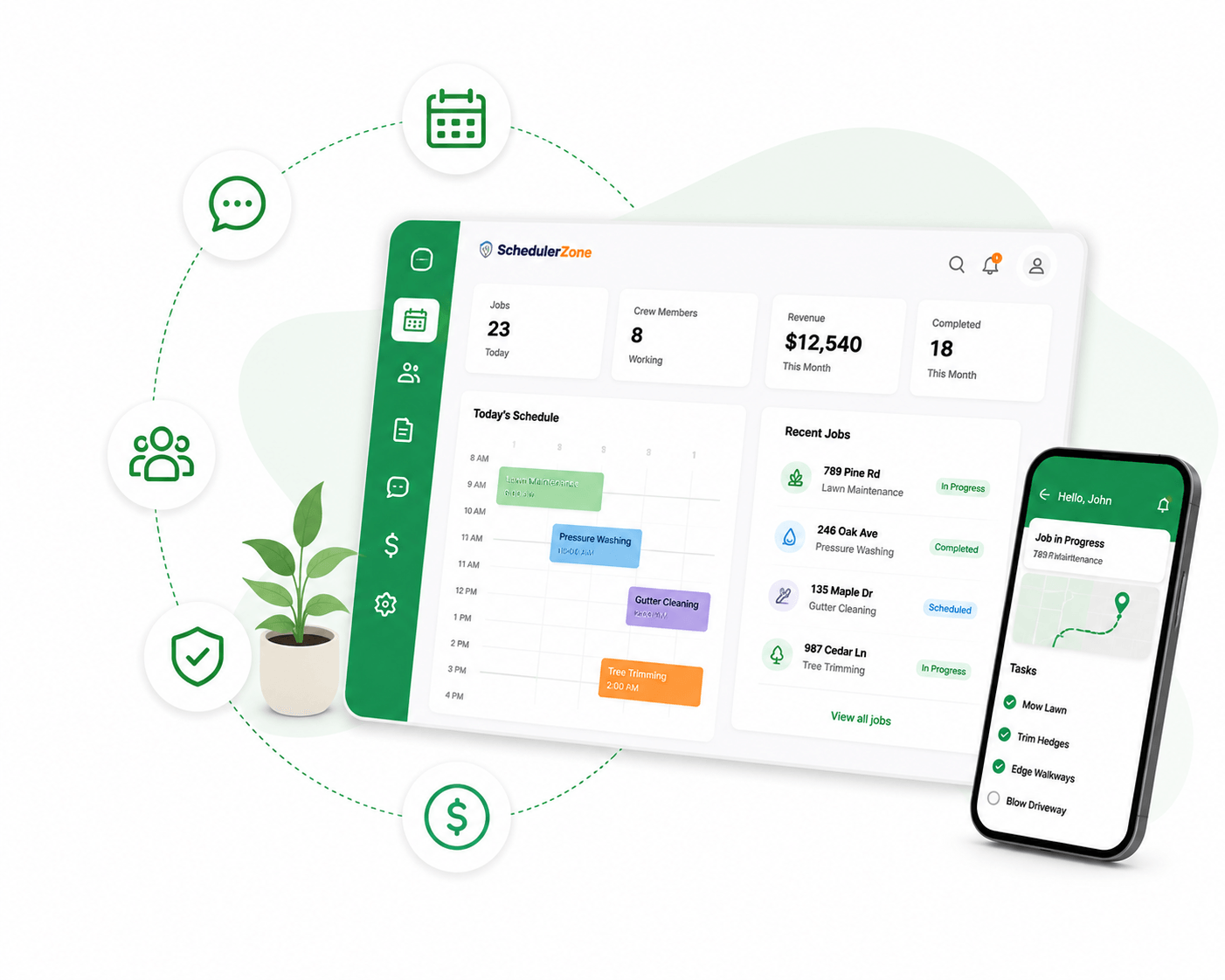
Everything you need to run the day, in one place

From the first job of the morning to the last invoice at night, SchedulerZone keeps crews, customers, and managers perfectly in sync.

A crew huddled at the truck for a morning briefing

Save time every day

Manage your crew

  • Every crew's day on one dispatch board — drag a job to another crew to move it.
  • Crews get a push notification the moment a job is assigned, moved, or canceled.
  • Crew leaders, and approval rules for moving workers between crews.
  • Recurring visits fill the calendar four weeks ahead on their own.
A homeowner reading a text message from her service company

Keep clients in the loop

Customer communication

  • Text clients from their profile and see their replies in the same thread.
  • Send a secure link to an invoice or their portal by text or email.
  • Clients sign in without a password to see invoices and visit history.
  • Customer requests and gate codes reach the crew's checklist automatically.
A manager viewing a map of job sites

Real-time visibility

Monitor everything

  • A live dashboard of today's jobs, who's working, and what's running late.
  • Every job site on a map, with each crew's location while their timer runs.
  • Timers on every job, so hours are tracked without timesheets.
  • Alerts when jobs are completed, receipts are submitted, or invoices go past due.

All-in-one platform

Everything your business needs, in one place

Manage scheduling, workforce operations, customer communication, and invoicing from a single dashboard.

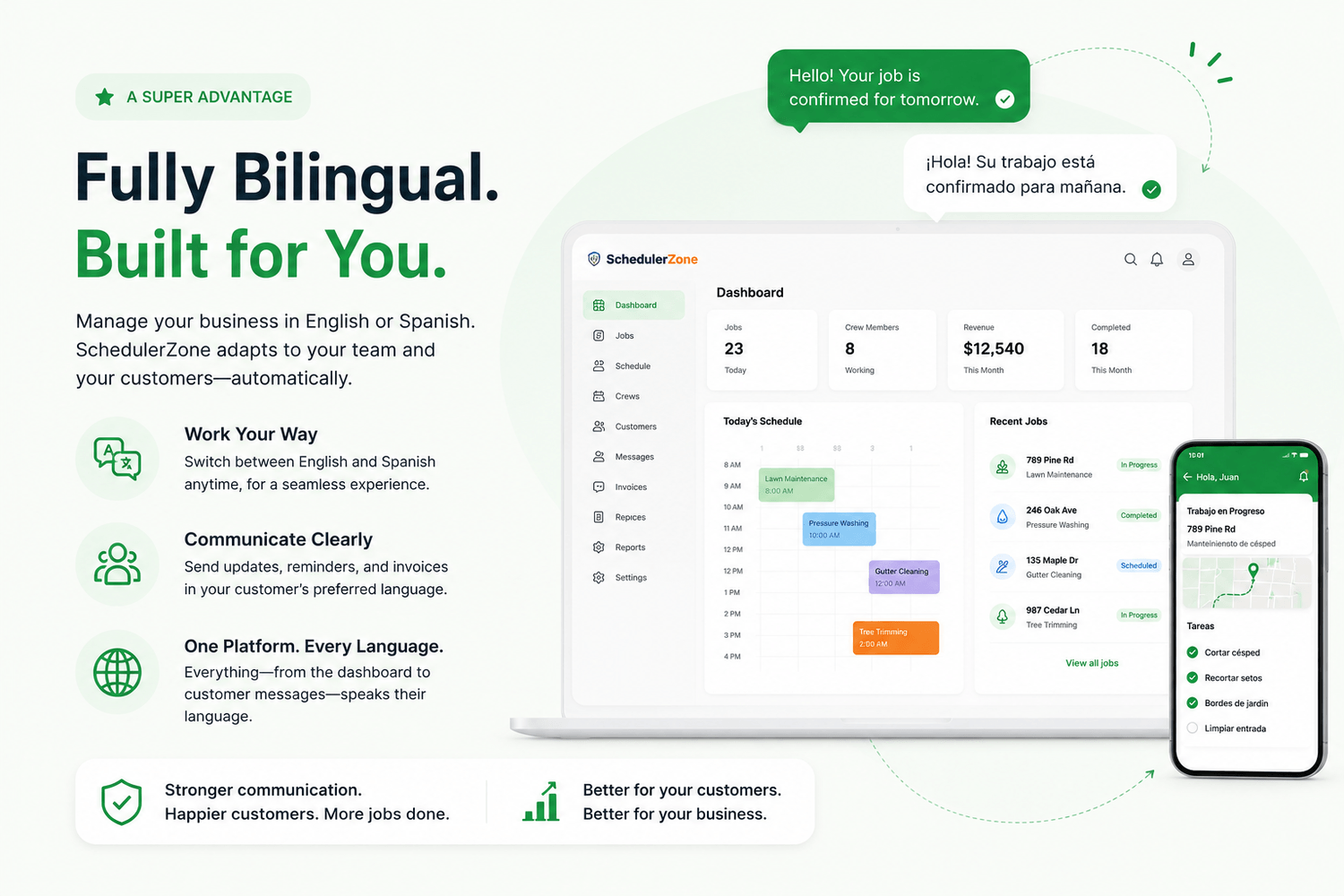
Bilingual experience

Works in English and Spanish

The crew app switches fully between English and Spanish, and the notes your office writes are translated for the crew — so everyone works in the language they read best.

The crew app's Today screen in English
The same screen in Spanish: Trabajos de hoy
ENStart job
ESIniciar trabajo

Streamlined operations

Every crew's day on one board — schedule, assign, and track each job from one screen.

Weekly mow — Harbor View North8:30 AM
Hedge trimming — Church Grounds10:30 AM
Irrigation check — Brightside Dental1:30 PM
Business owner organizing his crew's schedule from a tablet
Job moved · Blue Crew

Dispatch from anywhere

Move a job to another crew from your phone or the dispatch board — the crew gets a push right away.

Crew member submitting a receipt from his phone at the truck
Receipt · $24.05 · Pending

Receipts from the field

Crews photograph a receipt on the job, and the office approves it in one tap.

Business owner enjoying free time

Happy customers

Text clients, send secure links, and let them pay invoices online from their own portal.

Built for control

Custom roles decide who can see and do what, every change is recorded in an audit log, and customer links expire.

Custom rolesAudit logExpiring links

One platform. Everything connected.

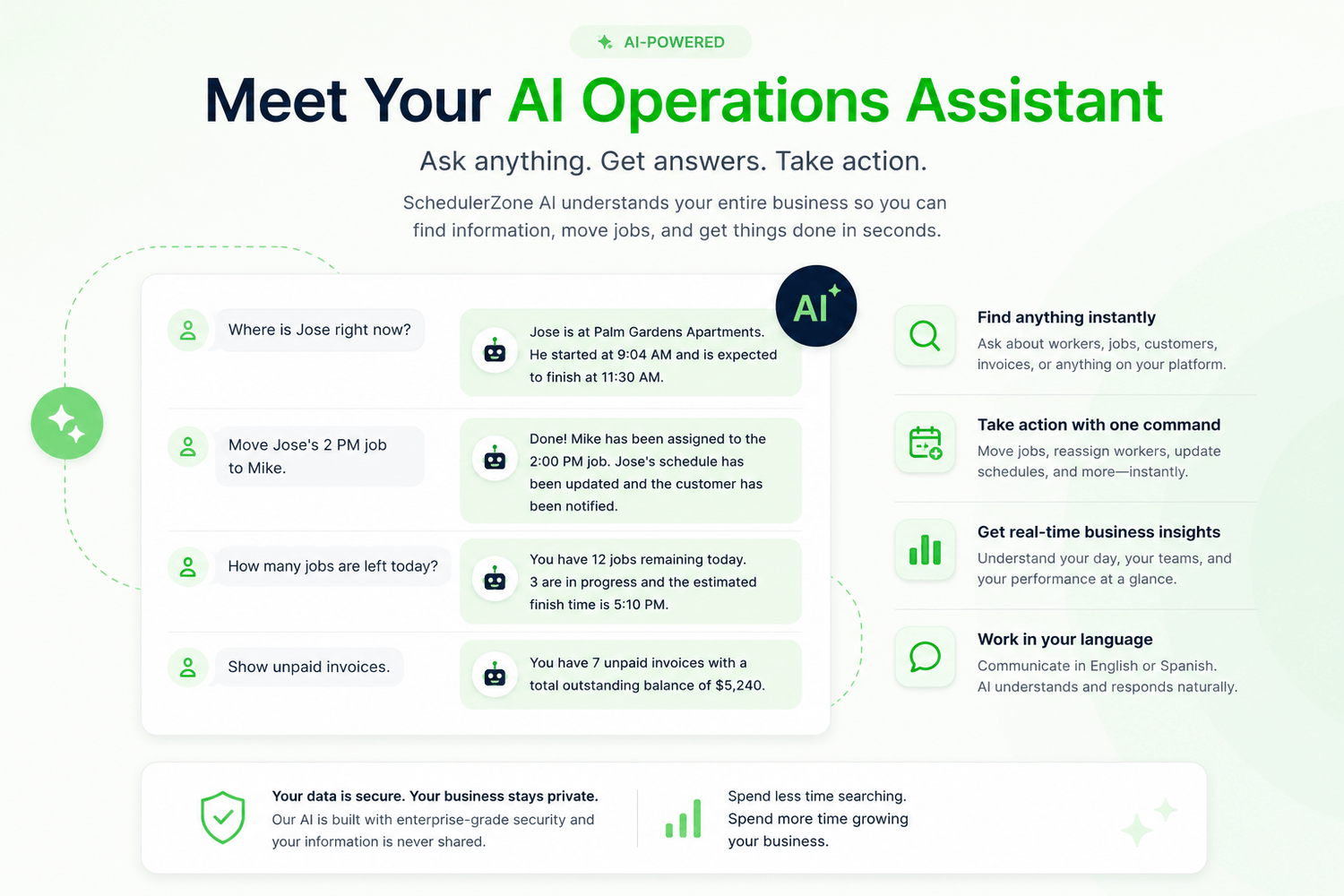
SchedulerZone AI

Your business already has hundreds of answers. Now you can just ask.

Ask about any job, client, crew or invoice and get an answer from your own data. The assistant can also create, move and reassign jobs for you — on the web or in the mobile app, typed or spoken.

Ask SchedulerZone

Example

What does Blue Crew have tomorrow afternoon?

Two visits: Harbor View South at 11:00 AM and Sunset Grill at 1:30 PM. Green Team is free after 12:30 PM.

Move Sunset Grill to Green Team.

Done. Sunset Grill is now with Green Team at 1:30 PM, and their phones have been notified.

Switching made simple

Switch to SchedulerZone without starting over
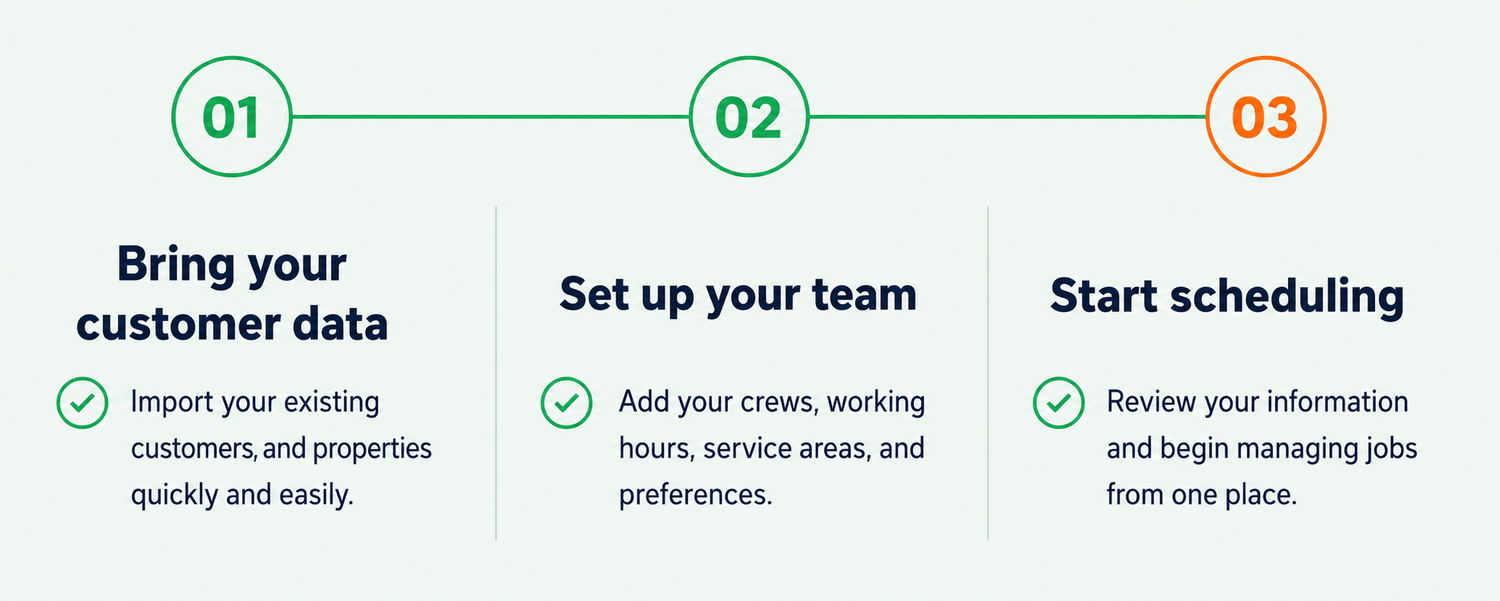
Step 1

Bring your data over

Upload your client and property list as a CSV or Excel file — exports from Jobber, Yardbook and QuickBooks are recognized.

Step 2

Set up your way

Add your crews, services and prices, then set up recurring visits once and let the calendar fill itself.

Step 3

Real help, real people

Onboarding support and training keep your team confident from day one and beyond.

Let's connect

Ready to transform your scheduling process?

Start your 14-day free trial today. No credit card required, cancel anytime.

FAQ

Frequently asked questions

Scheduling that evolves with your business and simplifies management.

SchedulerZone is a workforce scheduling and business management platform designed for service-based businesses.

SchedulerZone is built for landscaping, cleaning, HVAC, construction, and other service companies.

It takes a job from first call to paid invoice: leads and quotes, scheduling and dispatch, a crew app with timers, checklists and photos, invoicing and payments, and reports on how the business is doing.

Yes. Customers may cancel their subscription at any time. Cancellation stops future billing cycles in accordance with our Cancellation Policy.

You can contact our support team through the Contact page or by email at support@schedulerzone.com.

The assistant answers questions from your own jobs, clients, crews and invoices, builds quick reports, and can create, reschedule or reassign jobs when you ask. It works on the web and in the mobile app, typed or spoken, and only sees what your role allows.

Yes. The crew app switches fully between English and Spanish, and customer requests and notes from the office are translated for Spanish-speaking crews. Invoices and messages to customers are currently in English.

Yes. SchedulerZone syncs with QuickBooks Online in both directions — customers, invoices and payments.